 NexCheck-筛号平台
Why a Dedicated Number Filtering API Is Needed
Meta's official WhatsApp Business API (including Cloud API and On-Premises API) does not provide a public batch number liveness detection interface. The official API design requires businesses to obtain user Opt-in permission before sending messages. Directly calling the message API to send template messages to numbers not registered on WhatsApp will return a 1013 error (User is not valid) or throw a 470 error through Webhook.
A high failure rate will be judged by the risk control system as blind broadcasting, leading to a decline in the account Quality Rating in WhatsApp Manager, and in severe cases, account restrictions. For operations teams with large contact lists, it is necessary to exclude unregistered numbers before sending, which requires a dedicated list detection API to complete status verification.
API Input Number Format Requirements
The detection interface usually requires numbers to strictly follow the international E.164 standard. Specific processing rules:
- Remove all non-numeric characters: parentheses, spaces, hyphens, dots
- Remove leading 00 or + symbols, keep pure country code and local number
- Make prefix adjustments for specific country rules: Mexican mobile numbers need a 1 prefix, Brazilian mobile numbers need to confirm the 9th digit position
Format errors can lead to detection misjudgments or wasted calls. If the list comes from multiple countries, it is recommended to first group by country code, then apply the corresponding format specification rules separately. For specific processing methods for numbers in various countries, refer to The Three-Layer Processing Order for International Number Detection.
Core Fields Returned by the API
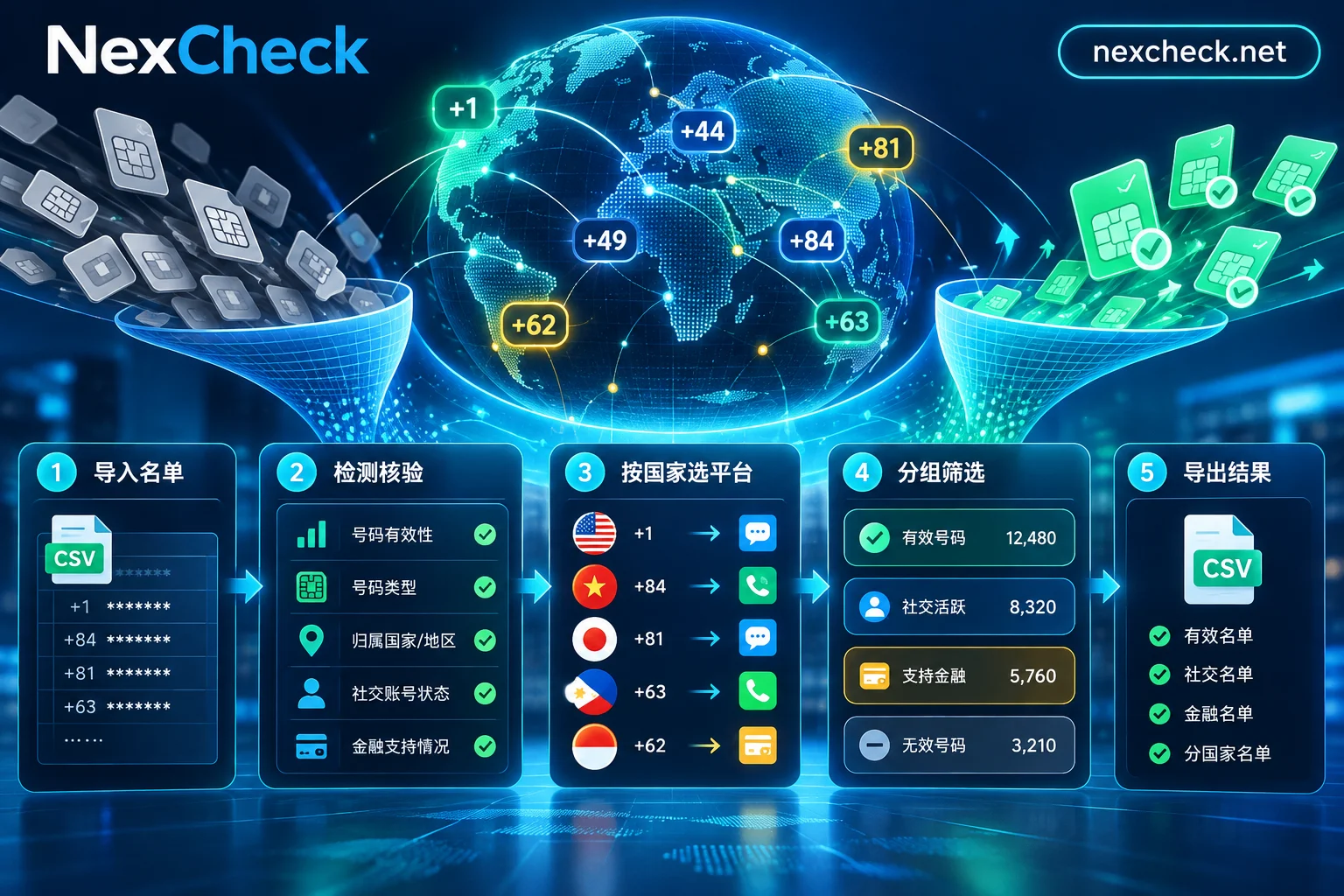
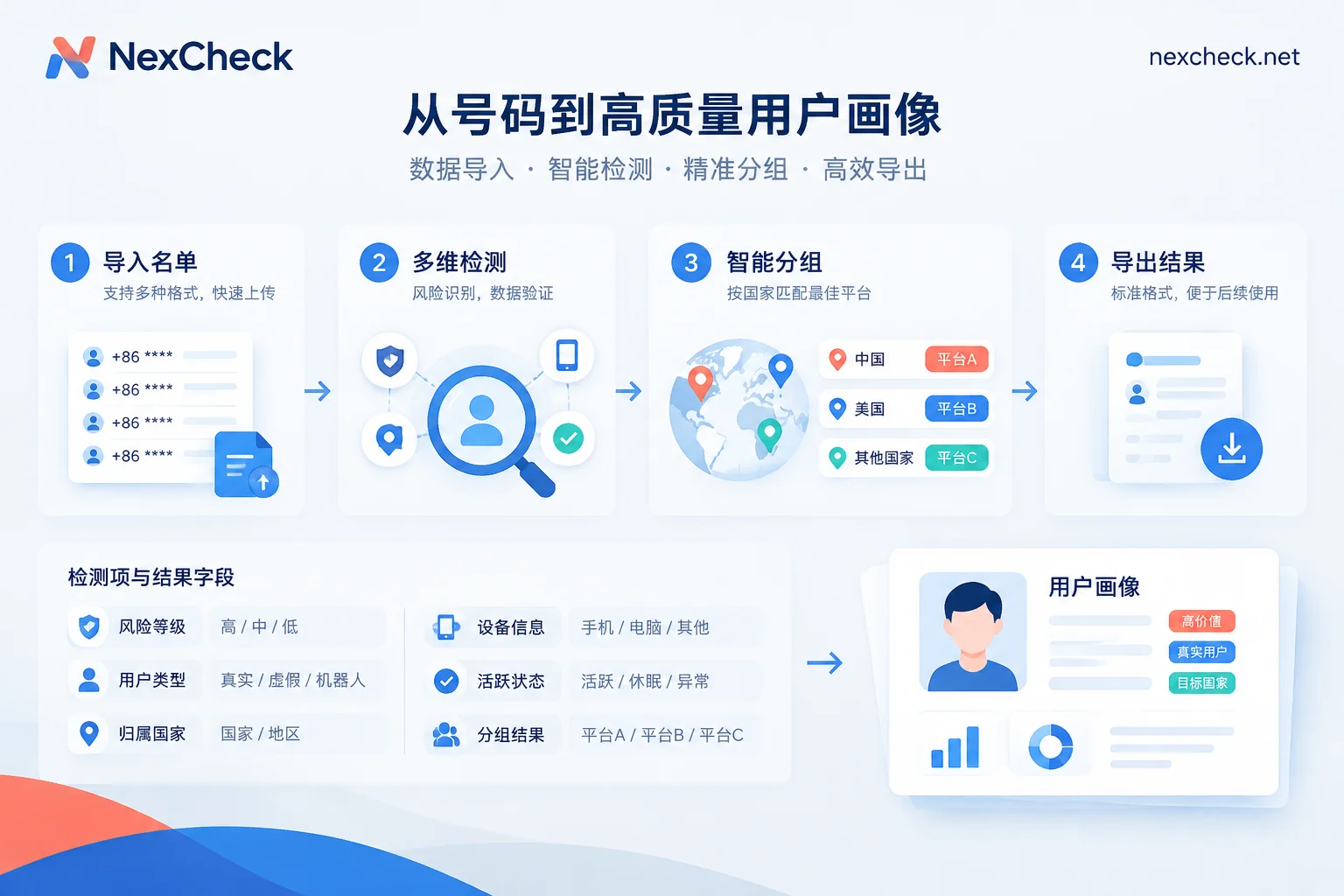
The core function of the WhatsApp number filtering interface is to group numbers by valid and invalid. Key return fields include:
Registration Status: Whether the number is registered on WhatsApp (exists / registered field). This is the most basic validity criterion.
Account Type: Distinguishes between Personal and Business accounts. Some platforms also return an identifier for whether it is a verified business account.
Visible Attributes: Publicly visible information such as whether a profile picture is set, whether there is a status message, etc. These fields can serve as auxiliary indicators of activity or account completeness.
Different detection services support different field ranges. The specific detection items and field definitions supported by the NexCheck platform are subject to the official platform page. Some services also provide extended attributes such as registration time and activity status.
Integration Approaches for Async Tasks and Webhook Callbacks
When processing large batches of lists, it is recommended to use the REST API asynchronous task submission mode rather than synchronous waiting for returns. Specific process:
1. Submit Task: Submit the number list to the API via a POST request. The API immediately returns a task ID (task_id / job_id).
2. Configure Webhook: Specify the callback URL in the API console or request parameters. After detection is complete, the system will actively push the results to that address.
3. Receive Results: The Webhook request body typically contains the task ID, detection details (status fields for each number), completion time, etc. The business system needs to verify the signature or Token to confirm the request comes from a legitimate source.
4. Store Results: Write the detection fields into the CRM or business database, and establish routing rules based on dimensions such as valid/invalid and account type.
This mode avoids HTTP timeouts and connection pool blocking caused by synchronous long connections, and is particularly suitable for scenarios with thousands to tens of thousands of numbers per batch. If the business system is inconvenient to expose a public callback address, polling the task status is also an option, but attention must be paid to polling intervals and API rate limits. See Is Polling or Webhook Callback Better for Number Detection.
Technical Points to Avoid Triggering Risk Control
The following two types of behavior must be avoided when calling the API:
Sequential Scraping: For example, querying sequentially from +8613800000000 to +8613800009999. This pattern will be identified as number scanning behavior and trigger platform risk control.
Unauthorized Third-Party Lists: The numbers submitted to the API must be legally owned contact data of the customer, and the source and purpose must comply with local privacy regulations. Lists should be accumulated based on business relationships, not purchased or scraped.
Some detection services implement rate limits and list consistency checks at the interface level. Customers need to declare the data source when submitting. For cross-border business scenarios, it is also necessary to pay attention to differences in compliance requirements for number data processing in different regions.
Tiered Use After Results Are Stored
Detection results should not be simply classified as valid/invalid. It is recommended to establish multi-dimensional routing rules based on the returned fields:
- Unregistered Numbers: Directly remove to avoid subsequent outreach attempts
- Registered but No Profile Picture/Status: May be newly registered or low-activity accounts; lower priority or adjust outreach strategy
- Business Accounts: If the business scenario targets enterprise customers, a separate group can be established
- Personal Accounts: Process according to regular user flows
Store the detection fields as independent columns in the CRM, rather than just saving a validity flag. This allows for cross-filtering by multiple dimensions in subsequent analysis and operational decisions. For specific solutions on storing results, refer to Batch Number Verification: Don't Just Look at Valid/Invalid, Store Results in Multiple Columns.
When to Re-Detect
Number status changes over time. The following three situations require re-detection:
- Lists have been accumulated for more than 3 months without use
- The last outreach failure rate increased abnormally
- Business scenarios have clear requirements for data timeliness (e.g., secondary verification before activating high-value customers)
The specific re-run strategy depends on the business's tolerance for data freshness and cost budget. See How Often Should Batch Filtering Results Be Re-Run.
If you are working with a cross-border contact list and need to integrate WhatsApp registration status detection into your existing business system, you can check out NexCheck's WhatsApp Detection Capabilities and API Documentation. The platform supports REST asynchronous task submission and Webhook callbacks, with pay-per-item pricing. List data is processed only within the task scope.


Comments(0)