NexCheck-筛号平台
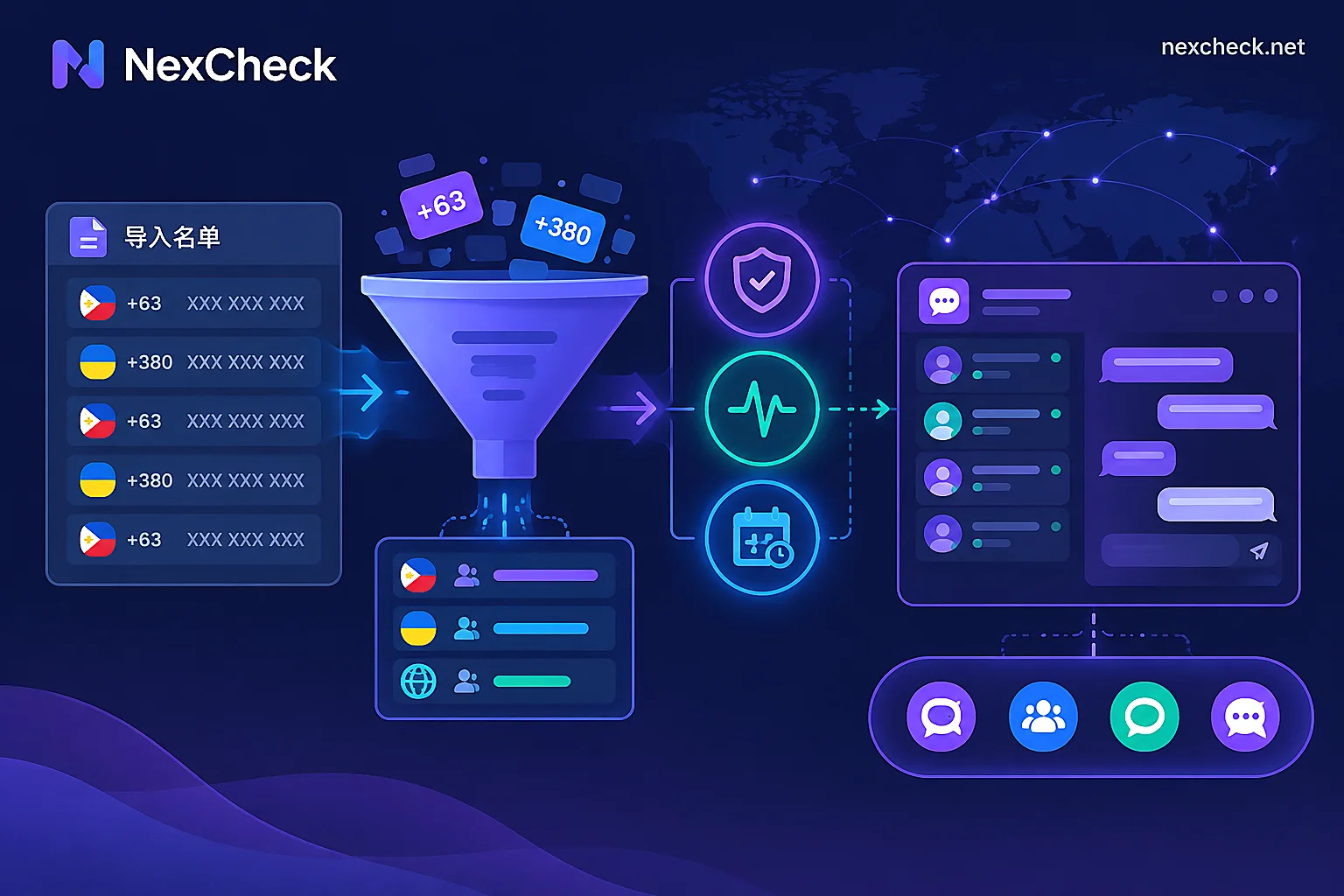
How to Filter Viber Numbers: Activation, Activity Range, and 'Account Age' Detection in List Cleaning Order
A three-layer Viber number filtering logic for key markets like the Philippines, Ukraine, and Greece: clarifying that 'Account Age' refers to registration duration, not user age, and outlining the sequential filtering process—format cleaning, activation detection, activity range, and account age—to reduce invalid outreach costs and update CRM.
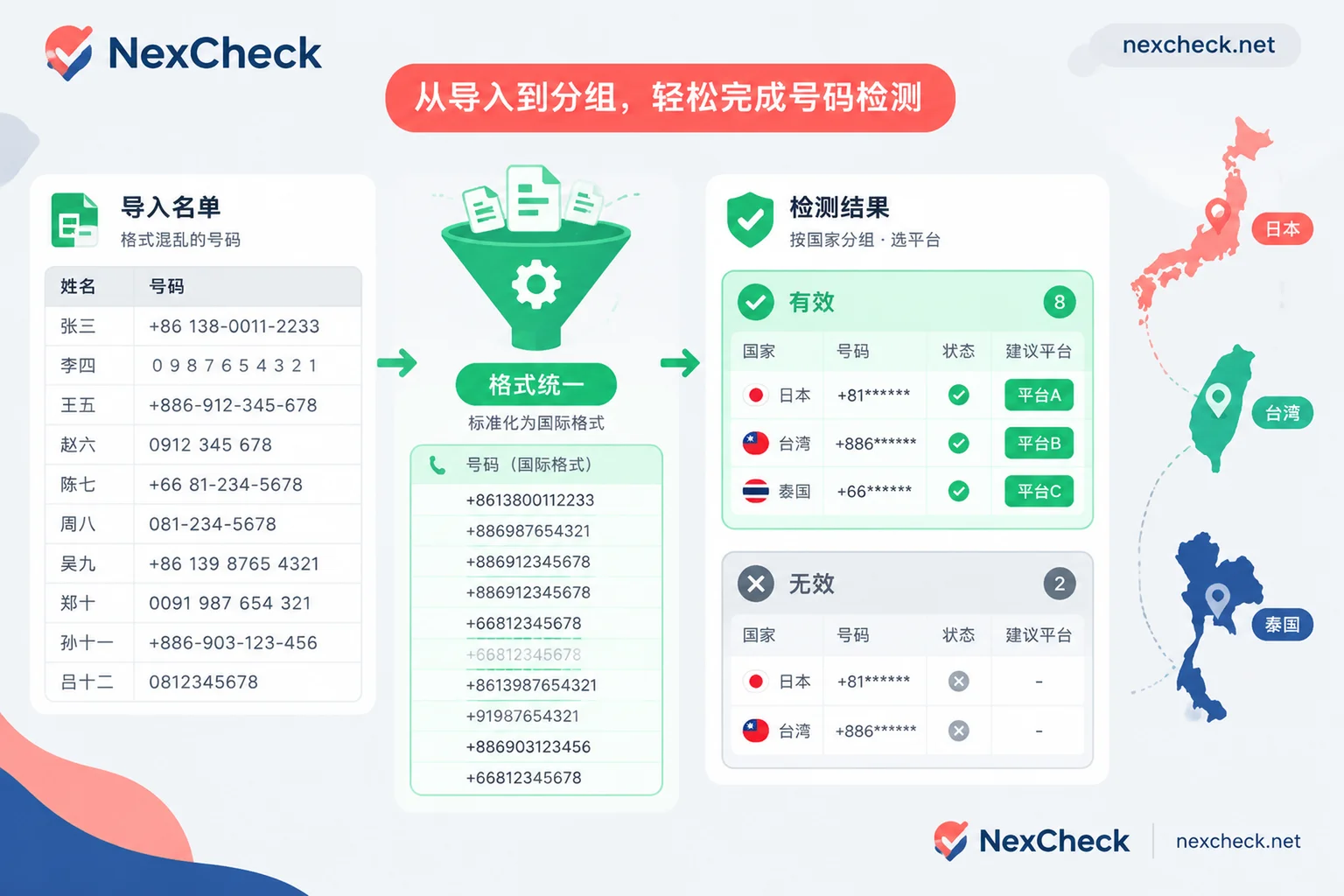
How to Do LINE Bulk Number Screening: Number Format Cleaning, Country-Specific Checks, Result Interpretation, and CRM Write-Back
A step-by-step guide to LINE bulk number screening: standardize Japanese, Taiwanese, Thai numbers into international format and deduplicate, test samples and run checks by country, correctly understand the relationship between 'not detected' and privacy settings, and write results back to CRM with detection timestamps.
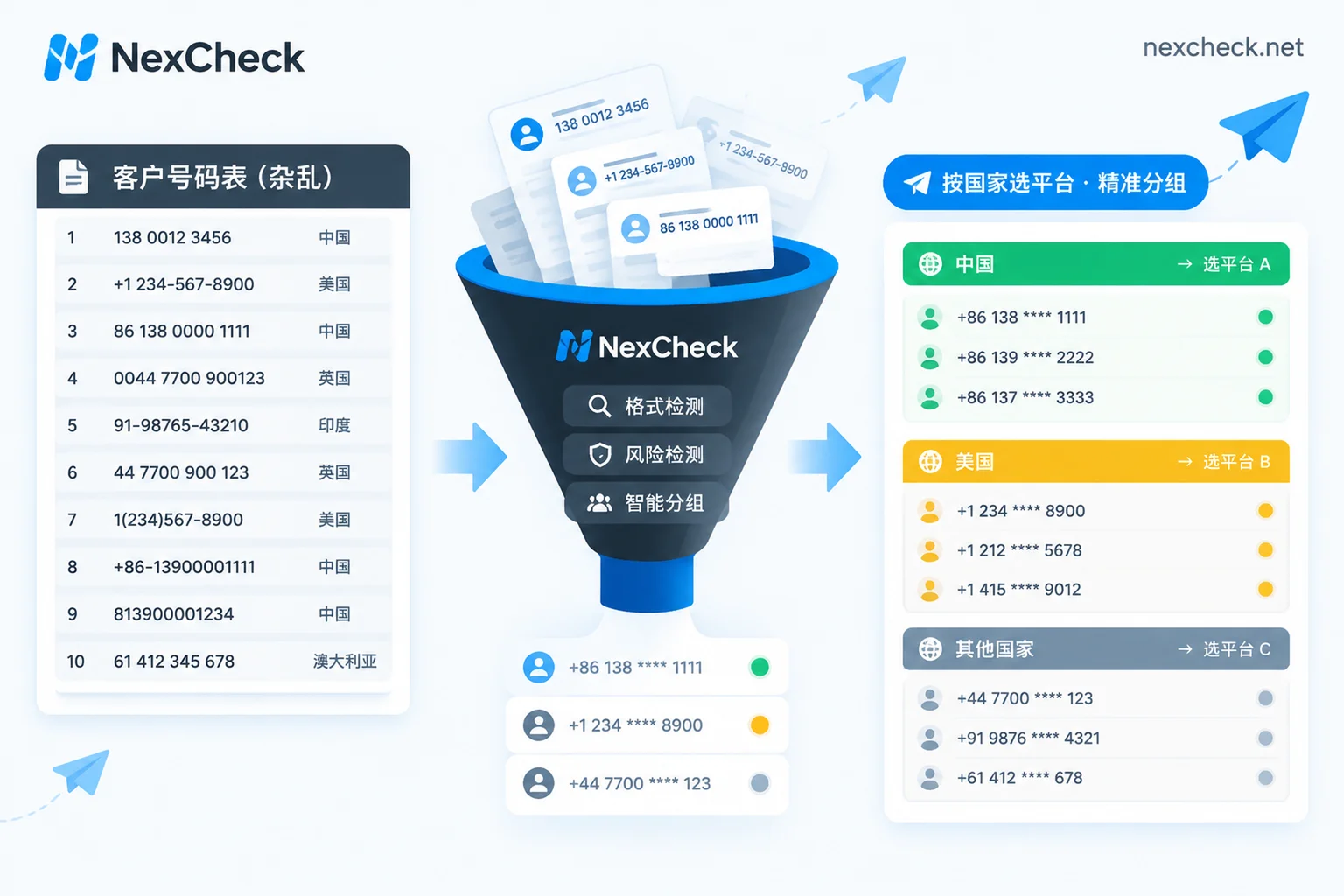
How to Clean a Telegram Customer List: Formatting, Activation Checks, Activity Tiers, and CRM Write-Back
Using a mixed-country customer list as an example, this article explains the sequence for cleaning a Telegram customer list: first unify numbers to E.164 and deduplicate, then split by country, run basic number checks and Telegram activation checks, and finally segment by Last seen ranges and write results back to CRM. It also clarifies why "not found" does not mean unregistered and how to interpret results like "a long time ago."
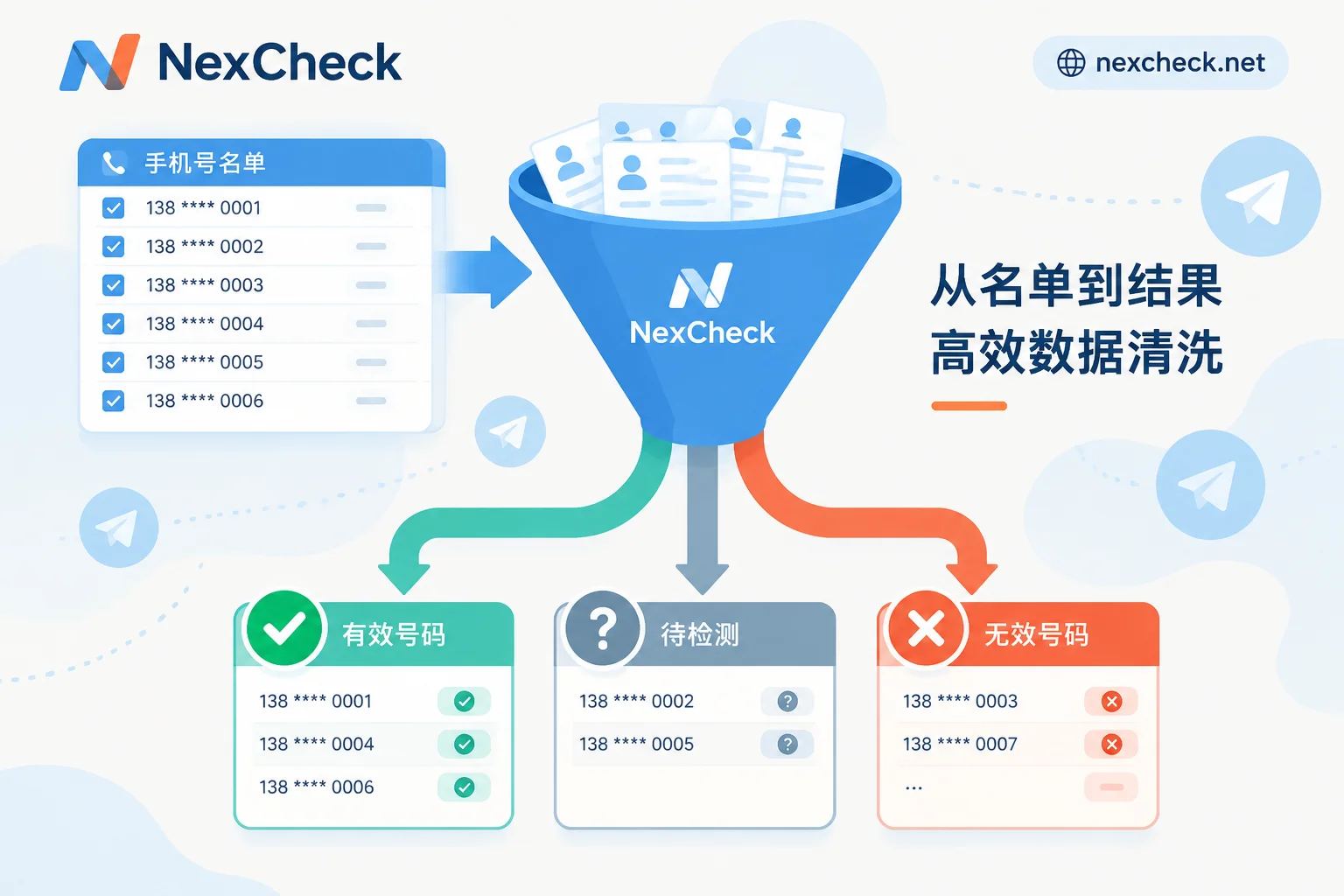
How to Filter Telegram Numbers: Processing Order and How to Classify Invalid Results
Telegram number filtering follows five steps: normalize number format, deduplicate, run basic validation, run Telegram registration checks, and write results back to CRM in tiers. This article explains what each returned field means and why privacy settings cause some registered numbers to land in the invalid group.
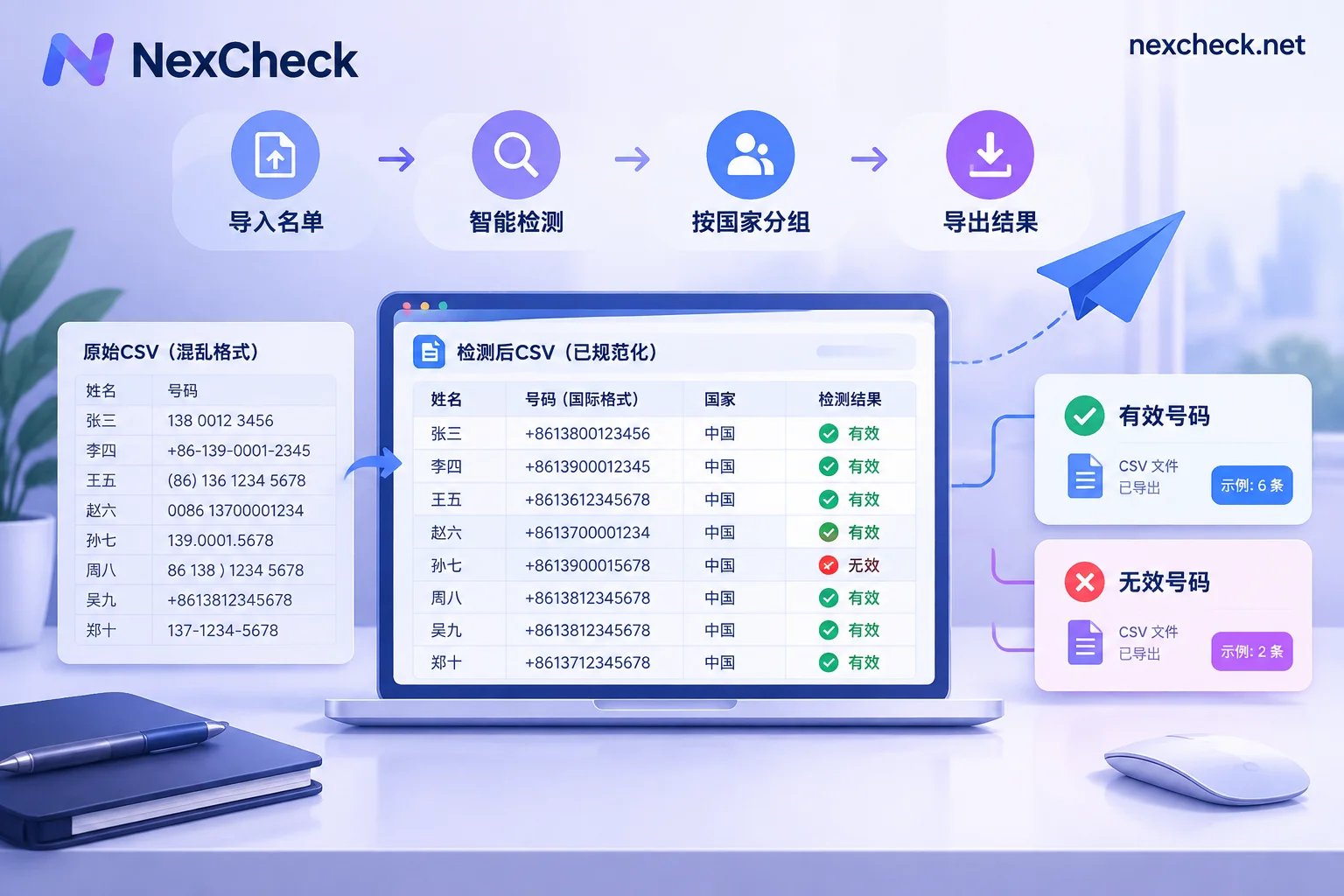
How to Filter Telegram Numbers from a CSV: List Cleanup, Batch Upload, Field Interpretation, and CRM Write-back
Using a multi-country contact CSV as an example, this article explains the preparation order before Telegram bulk checking: keep record IDs, unify to E.164 format, deduplicate after normalization, split by country into batches, and save as UTF-8. It also explains the meaning of result fields such as registered, active, and banned, clarifies the 'not found' cases caused by privacy settings, and how to write results back to CRM using record IDs.