 NexCheck-筛号平台
Suppose you have a table like this: over 30,000 rows from forms, trade show scans, old CRM exports, and several txt files from channel partners. Some have +, some start with 00, some have only local 8-digit numbers, half of the country column is empty, and the same person appears three times with different formats. The goal is to pick out those that are truly contactable and have an active account on a social platform.
Don't drop such lists directly into platform detection right away. Follow the order below to save a lot of per-item fees and avoid mistaking "format errors" as "invalid numbers."
Remember this order first
- Normalize formats (unify to E.164)
- Deduplicate after normalization
- Group by country/region
- Baseline detection: line type, network status, real carrier, risky number segments
- Target platform detection: whether opened, registration time, activity, ban status, etc.
- Store results in multiple columns, then write back to CRM
Each layer reduces the volume for the next. The typical consequence of getting the order wrong: you pay social platform detection fees for a bunch of landline numbers, and all results come back "not opened," and you don't know if it's because the person didn't install the app or because the number isn't a mobile number at all.

Step 1: Unify to E.164, then deduplicate
ITU-T Recommendation E.164 specifies a unified number structure for global public telecommunication networks: 1–3 digit country code plus the national significant number, no more than 15 digits total, with no spaces, dashes, or parentheses. Converting cross-border lists to this format is a prerequisite for transmission and submission to any detection API.
The typical rewrites needed:
- Inconsistent international prefixes:
0086...,+86...,86...refer to the same number; unify the00prefix and separators. - Domestic long-distance prefix 0 retained: many countries add
0before the area code in domestic format; when converting to international format, this0should be removed, not concatenated with the country code. - Missing country code: only local number segments. If the same row has a country/region field or source channel that can determine it, supplement by channel; if not, store as a separate "to be confirmed" group. Don't guess using the most frequent country code in the list—wrong guesses will enter results as "invalid" and pollute your judgment of channel quality.
- Non-number content mixed in: extensions, remarks, Excel converting long numbers to scientific notation.
Deduplicate after normalization. Before normalization, +44 7700 900123 and 00447700900123 are two different text rows; only after normalization are they the same. If reversed, you'll pay twice for the same number. For detailed rewriting rules, see How to do E.164 normalization before overseas number filtering.
Also understand the limits of normalization: libraries like Google libphonenumber's isValidNumber validation checks whether a number conforms to a country/region's numbering plan, length, and prefix rules. It cannot tell whether the number is actually allocated by a carrier, in service, or has a real user behind it. Syntactic validity only means "worth further checking."
Step 2: Group by country/region
Grouping isn't for neatness but because subsequent layers follow country-specific rules:
- Countries divide mobile and landline segments differently; in some markets you can separate mobile from landline by prefix, in others you can't.
- The same social platform's popularity varies greatly across markets, so different platforms are worth paying to check.
- Detection items and unit prices are usually priced by country/region and platform separately; mixing them in one batch makes cost attribution difficult later.
In practice, split into sub-files by country code, run and view results per country. To decide which market should prioritize which platform, refer to Number formats and mainstream platforms by country/region first.
Step 3: Baseline detection—remove impossible numbers first
This layer queries the communication network side, independent of any app, and mainly yields three types of information:
Line Type: distinguishes mobile, landline, VoIP virtual, toll-free, etc. If your target is a mobile instant messaging platform, landlines and some non-fixed VoIP segments are unlikely to have normal accounts; removing them early saves the most money and also filters out a batch of high-risk abusive segments.
Network Status: based on carrier HLR (Home Location Register) and real-time network status queries, determines whether the number is active, suspended, vacant, or disconnected due to arrears. The older the list, the higher the elimination rate at this layer.
Real Carrying Carrier: after mobile number portability (MNP), the carrier indicated by the segment prefix and the actual carrier may differ. If you need to analyze or bill by carrier, you can only use queried results, not infer from segments.
After this layer, the list is usually significantly shorter, and the remainder is worth entering the platform layer.
Step 4: Platform account status
This is the layer many really want, and the most easily misunderstood.
Communication layer and platform layer are two dimensions and cannot infer each other. A mobile number active on the carrier network may never have registered the app you're checking; conversely, a suspended number may still have a historical account on the platform. So baseline "valid" doesn't mean platform layer will hit, and baseline "suspended" doesn't mean platform layer will find nothing.
What fields the platform layer returns varies by platform. Common ones include whether opened, registration time, activity, ban status; some platforms also provide gender, age, and other available attributes. Differences come from each platform's open visibility and change over time—after a platform adjusts account status visibility, previously available fields may disappear. So don't apply one platform's field list to another, and don't treat last year's field list as this year's basis.
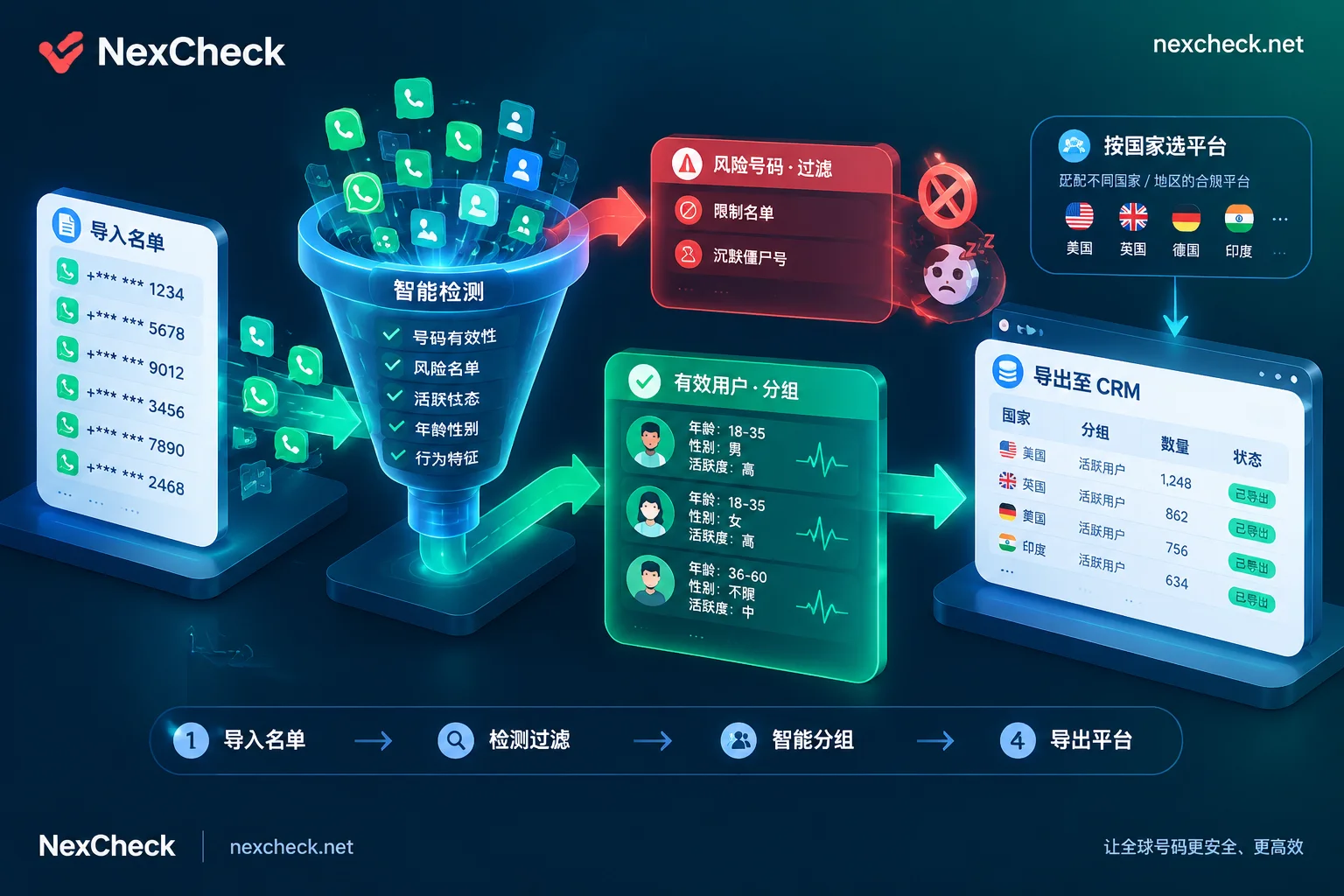
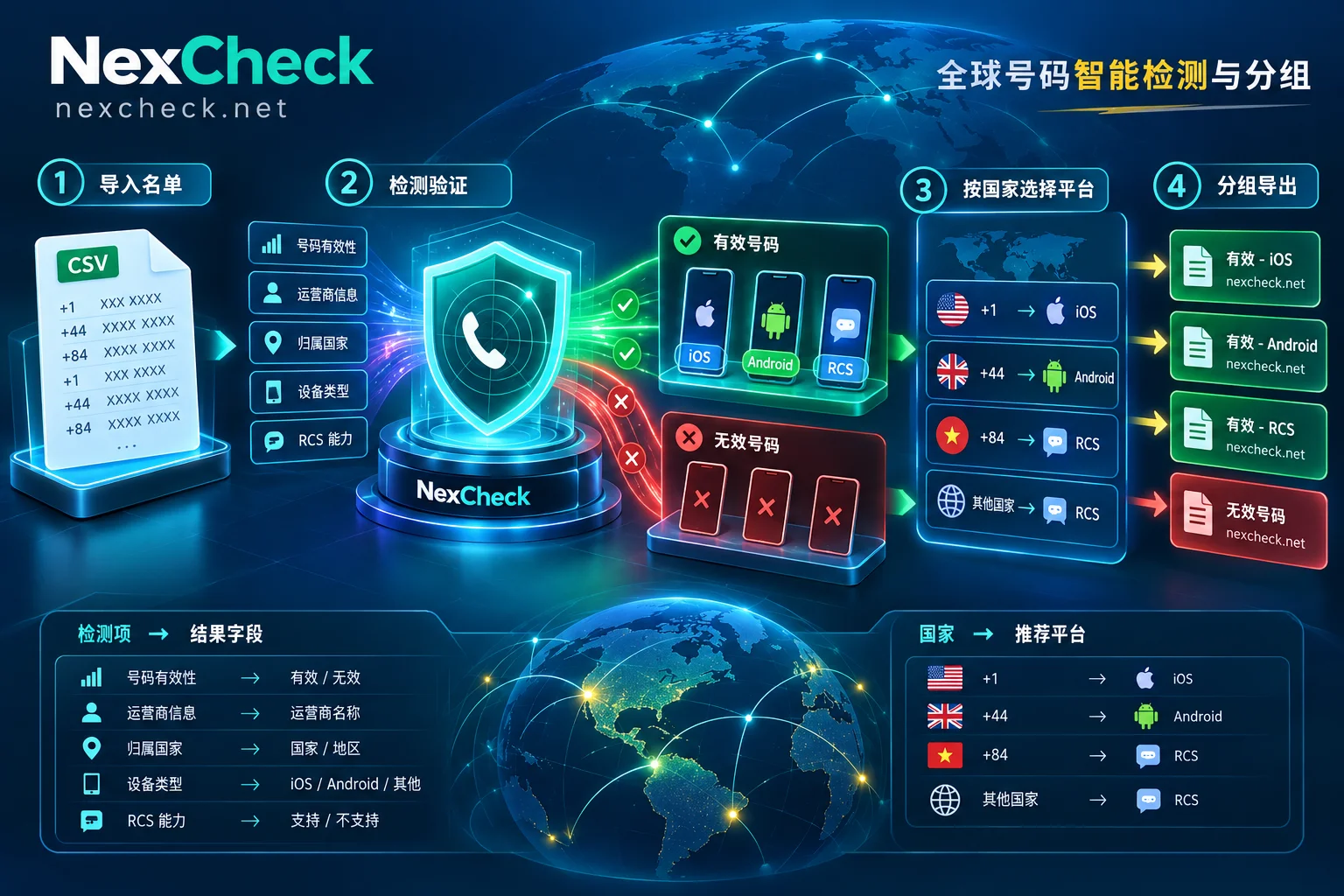
When you actually need to run this list, NexCheck does exactly this: upload txt or csv in the console, or submit via REST API, no limit per batch, select detection items by platform, export results grouped by valid and invalid, and use Webhook for long tasks. For which fields each platform can check and current unit prices, refer to the platform page and price list—don't copy any field table from an article. The list is your own data, processed only within the task scope; you must ensure the legality of source and purpose.
How to store results: don't keep only "valid/invalid"
Many people export and keep only a boolean column, and weeks later can't review. Keep at least these columns:
- Normalized E.164 number (as primary key)
- Original format (for traceability and troubleshooting rewrite errors)
- Country/region
- Line type, network status, carrying carrier
- Target platform + fields returned by that platform
- Detection time, batch number
Storing separately helps distinguish invalid reasons: format non-compliant, non-mobile segment, vacant/suspended, platform not opened, platform banned—these five require completely different follow-up actions. Format non-compliant can go back to the channel for correction; platform not opened can try another platform; vacant can be retired from the list. This multi-column storage approach is detailed in Batch number verification: don't just look at valid/invalid.
Two ways to write back to CRM: for one-time lists, directly use the grouped export file to match and update by number; for continuous lead intake, use the API to get results.
Web console or API
The criterion is simple: whether this will be repeated.
- One-time cleaning of historical lists, or testing a few countries: console upload is faster, no coding, download grouped files when done.
- Check on new lead entry, or periodic re-runs: use REST API, submit and receive results via Webhook, avoiding writing your own polling logic for long tasks. For trade-offs between polling and callbacks, see Polling vs webhook callback for number detection.
A few easy-to-hit boundaries
- Detection results have timeliness. Network status and platform activity change; re-running the same list months later yields different results. When to re-run depends on list age and your tolerance for error.
- Missing fields do not equal invalid number. Some countries, carriers, or platforms simply don't return a field; mark empty values separately, don't classify as "invalid."
- Don't apply conclusions across platforms. Not opened on platform A cannot infer not on platform B; they need separate checks.
- Run a small batch first. Take 500–1000 representative samples, run a round, confirm normalization is correct and field meanings match your understanding, then scale to the full list. The money saved here usually exceeds any one-time discount.
After processing the entire list, you'll have a table segmented by country, line type, and platform status. Its value isn't just "which numbers are usable," but also which channel's list is dirtiest, which market is worth switching platforms for—these judgments can only be made by keeping results in multiple columns.


Comments(0)