NexCheck-筛号平台
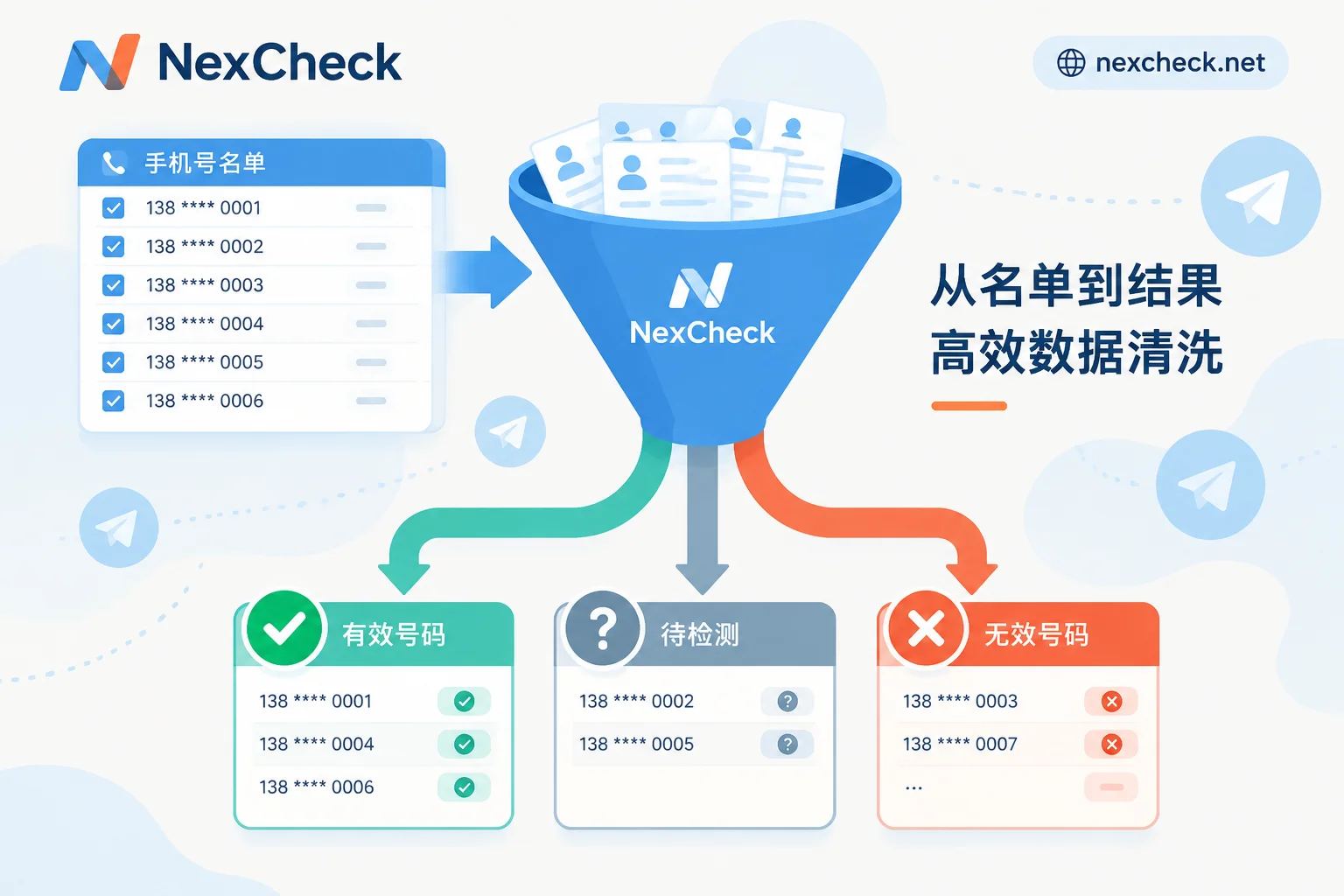
How to Filter Telegram Numbers: Processing Order and How to Classify Invalid Results
Telegram number filtering follows five steps: normalize number format, deduplicate, run basic validation, run Telegram registration checks, and write results back to CRM in tiers. This article explains what each returned field means and why privacy settings cause some registered numbers to land in the invalid group.
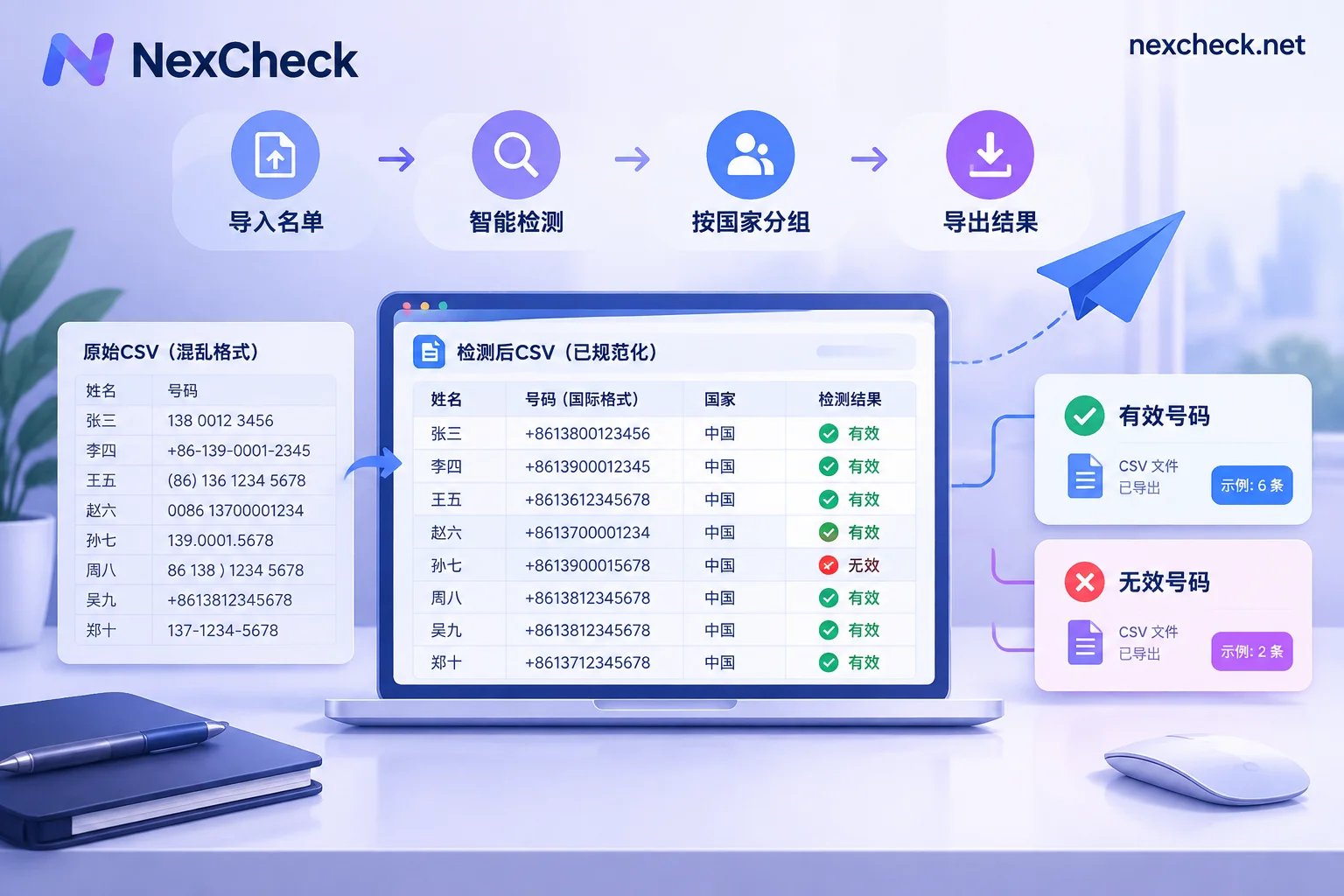
How to Filter Telegram Numbers from a CSV: List Cleanup, Batch Upload, Field Interpretation, and CRM Write-back
Using a multi-country contact CSV as an example, this article explains the preparation order before Telegram bulk checking: keep record IDs, unify to E.164 format, deduplicate after normalization, split by country into batches, and save as UTF-8. It also explains the meaning of result fields such as registered, active, and banned, clarifies the 'not found' cases caused by privacy settings, and how to write results back to CRM using record IDs.

How to Check if a Telegram Number Is Registered: Matching Principles, Privacy Limits, and Batch List Processing Order
Learn how to batch-check whether numbers in a list are registered on Telegram, including E.164 formatting, privacy settings that affect matching, and CRM write-back order.
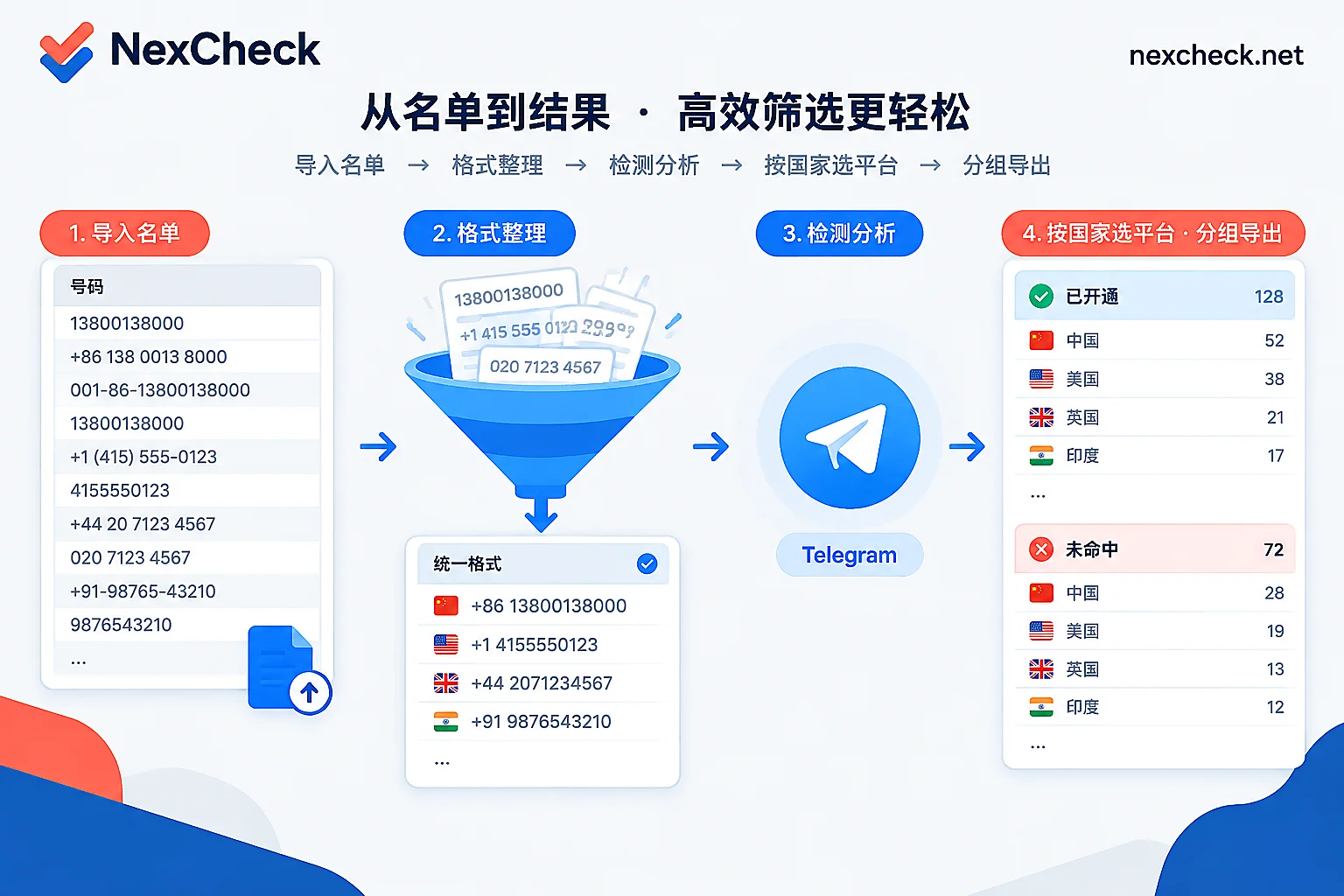
How to Do Telegram Number Detection: List Preparation Order, Available Fields, and Privacy Limits
This article explains how to perform Telegram number detection on an existing phone number list: first normalize to E.164 format and deduplicate, then select detection items to submit; it explains what "not found" and the four activity levels each mean; and finally describes result write-back methods via console upload, API, and Webhook.

How to Integrate a Telegram Number Screening API: List Cleaning, Asynchronous Submission, Result Fields, and CRM Write-Back
A step-by-step guide to integrating a Telegram number screening API: clean phone numbers to E.164, submit in batches by country, receive results via Webhook, and write back to CRM by valid and invalid groups.