 NexCheck-筛号平台
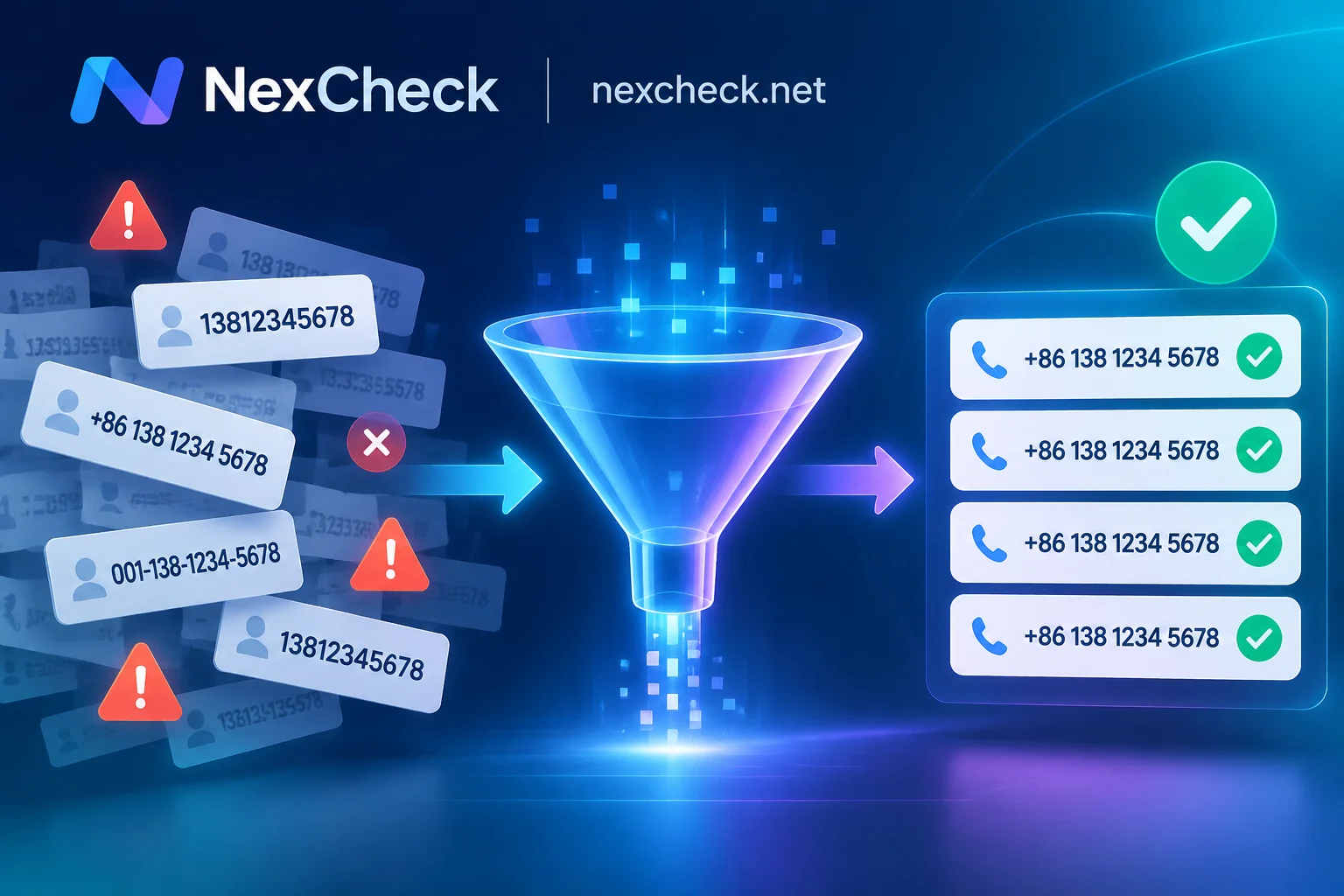
Let's start with the conclusion: Using only Excel for customer list cleaning is far from enough. Excel can only solve "surface-level formatting" issues (removing spaces, splitting columns, deleting rows with exactly identical characters), but it cannot solve two of the most critical problems: first, "false non-duplicates" caused by inconsistent formats; second, it cannot tell whether a number is invalid, suspended, or already registered on the target communication channel.
If you just click "Remove Duplicates" on the duplicate rows in your spreadsheet and then use it directly for bulk SMS, ad targeting, or CRM import, you're likely to lose on both ends: the same customer gets treated as a new lead due to different formats, causing duplicate outreach, while a large portion of your outreach budget is wasted on dead numbers and unregistered accounts.
To clean this up once and for all without wasting money, the most reliable approach is to break the cleaning actions into three steps: "local free pre-processing → tiered status verification → write-back to CRM with fields".
I. Why cleaning lists with Excel alone often makes things messier?
In actual operations and foreign trade teams, customer lists usually mix website forms, exhibition business cards, ad leads, and sales manual spreadsheets. Cleaning directly in Excel easily falls into three blind spots:
1. "False non-duplicates" caused by inconsistent formats
For the same customer's mobile number, the form export might be +886 912345678, the sales rep recorded 0912-345-678, and another table has 886912345678. Clicking deduplication in Excel only compares whether strings are exactly equal, so all three records remain, and they still cause duplicate outreach after import into CRM.
2. International number formats and leading zero traps
Many people think that using "Find and Replace" to remove spaces and hyphens is enough, but country code rules, local leading 0, and historical number changes vary by country, making manual replacement error-prone. For example, Vietnamese mobile numbers must use the 10-digit format after the 2018 reform; if old 11-digit numbers are still mixed in the table, subsequent Zalo number screening will yield no results.
3. Invisible "real account status" and the risk of leaking data by pasting spreadsheets indiscriminately
Even if the format is fully aligned, Excel cannot tell you whether the number is an invalid number recycled by the carrier, whether it has WhatsApp/LINE/Telegram activated, or whether the email still exists. More importantly, pasting the entire customer names and mobile numbers directly into unknown online tools or public AI chat boxes for cleaning can easily lead to customer data leakage risks. (If you're still unsure what "format cleaning" and "invalid number detection" each solve, you can first read this article "Are Number Cleaning and Invalid Number Detection the Same Thing?" to clarify the boundaries.)
| Cleaning Stage | Excel Manual Processing | Browser-local Formatting Tool | Bulk Status Verification Platform (e.g., NexCheck) |
|---|---|---|---|
| Core Solution | Header alignment, column splitting, removing notes | Adding country code, converting to E.164, precise deduplication | Invalid number/device type, social or email registration, activity and risk control |
| Applicable Actions | Merging multiple raw export tables | Final pre-processing before uploading for paid detection | Before go-live outreach, before ad targeting, periodic CRM recheck |
| Cost & Privacy | Free, local processing | Free, processed only in browser locally, no paid tasks created | Prepaid per record, processed within task scope without building a database |
II. 3-Step Practical Sequence for Customer List Cleaning Without Rework
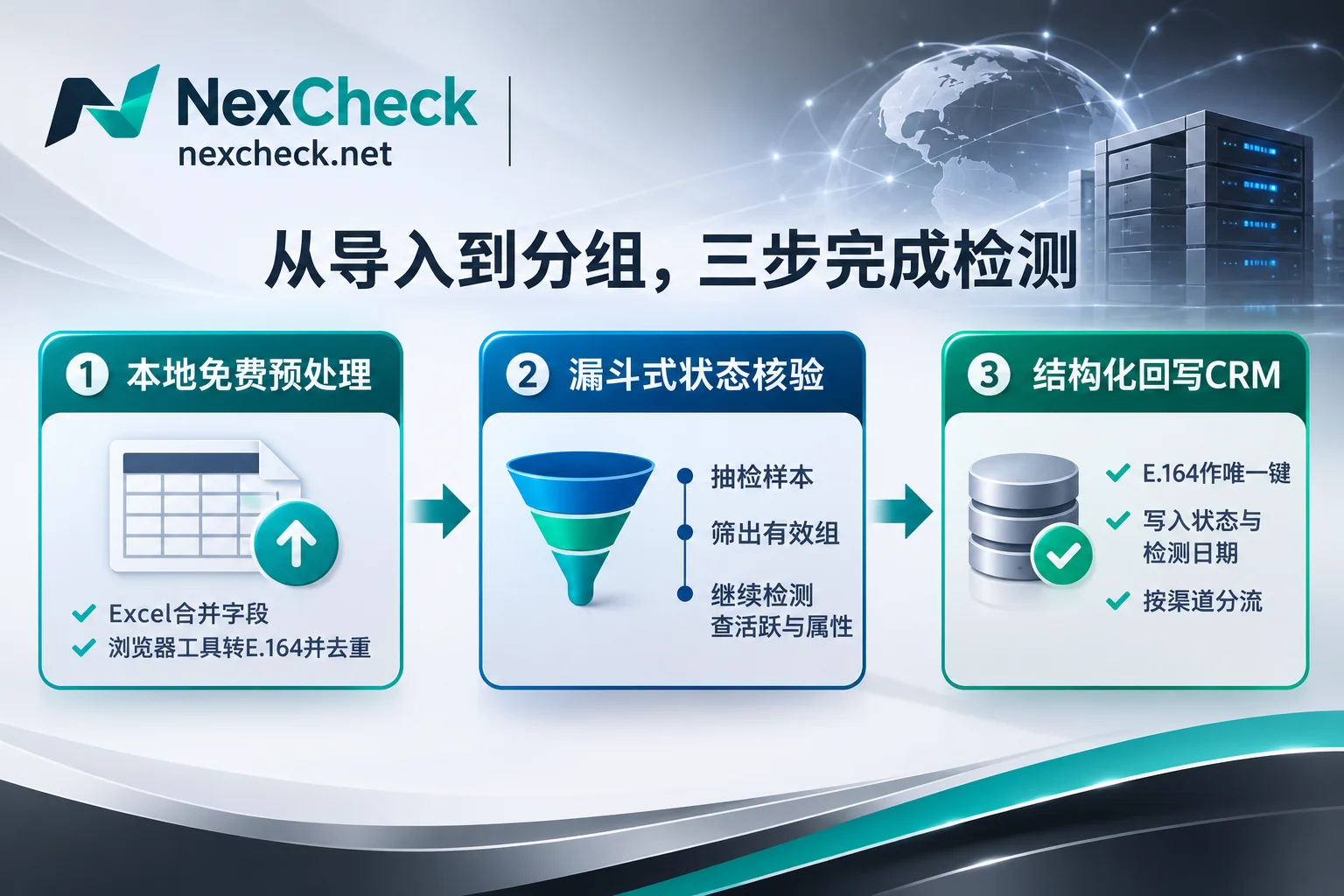
Step 1: Local surface cleaning and E.164 normalization deduplication (complete at zero cost)
Before spending a penny on account status verification, first process all the "dirty data" that can be cleaned for free locally—this step is crucial because most bulk detection platforms (including NexCheck console tasks) do not automatically deduplicate after uploading files, and duplicate numbers are still billed per record.
- Use Excel for structural organization: Align the "Phone/Mobile/WhatsApp" columns scattered across multiple tables into the same template; split rows where two numbers are entered in one cell; remove text notes like "boss's mobile" or "same as WeChat ID".
- Split lists without country codes by country or region: If the original numbers already contain the full
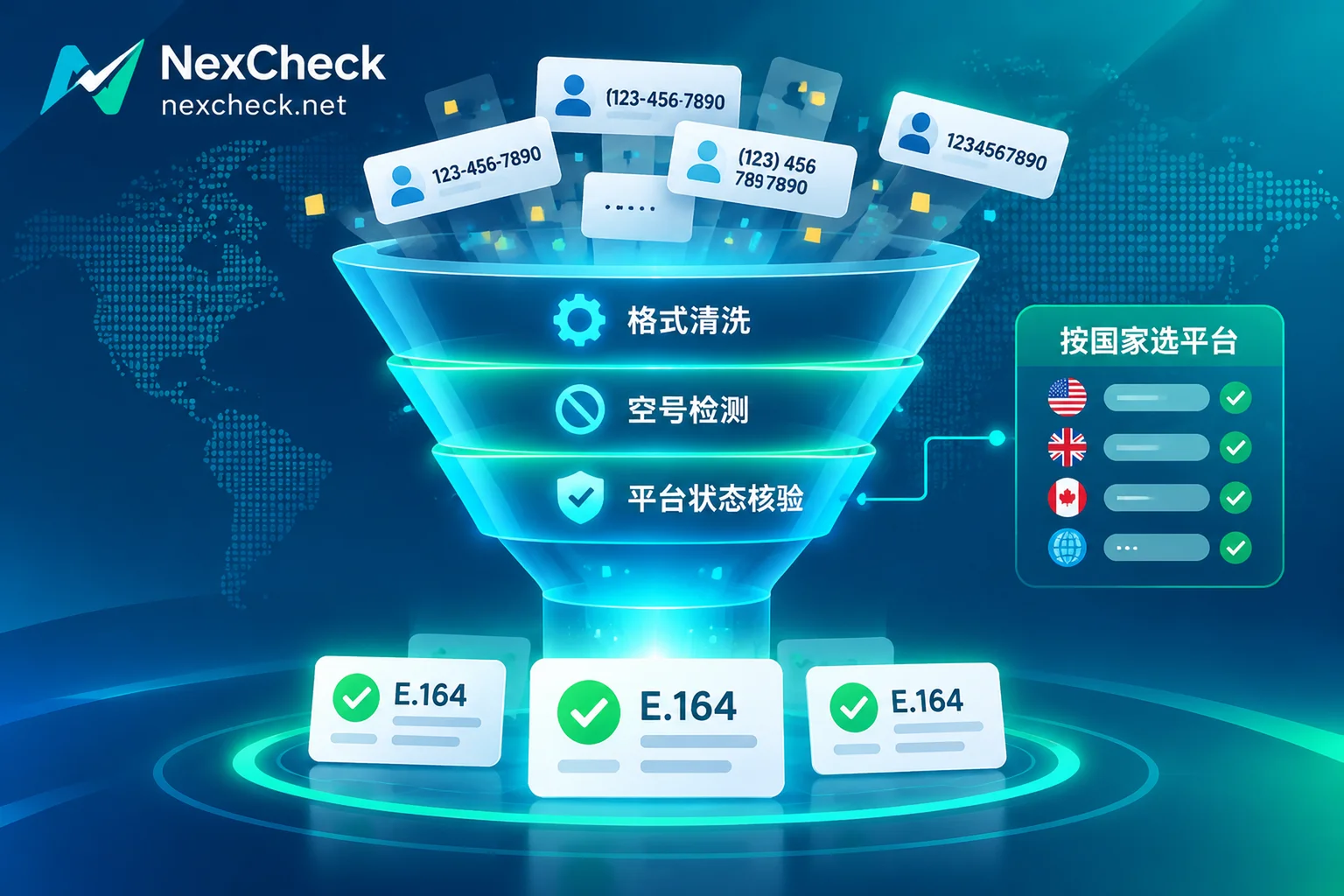
+国家码, they can be processed together; if many numbers lack country codes, be sure to split them into different files by country first. Use a browser-local tool to convert to E.164 and deduplicate in one click: After organizing, you can directly open the NexCheck Number Cleaning Tool. It runs entirely in your browser locally, does not create paid detection tasks, automatically recognizes various separators, fills in country codes based on the selected default country, uniformly converts to standard E.164 format, and completes deduplication, while directly providing a report of valid, invalid, and duplicate counts.
- Pitfall alert: When using the tool, be sure to check the "default country" option. If you add a country code to a US number as if it were a UK number, the cleaned format may look standard, but the country attribution will be completely wrong, and subsequent screening will all be misjudged. If unsure about the target country format, you can first check the local format descriptions in NexCheck Regional Solutions (note: currently does not include mainland China page).
Step 2: Tiered status verification—first sample, then use a funnel to save budget
After obtaining the deduplicated standard E.164 list or email list, enter the real customer list cleaning status verification stage. The biggest taboo at this step is "running the most expensive deep detection on the entire list all at once". It is recommended to control costs with the following three actions:
Select the corresponding platform based on business outreach channels:
- Overseas instant messaging private domain: Choose activation detection for WhatsApp, Telegram, LINE, Zalo, Viber, etc., according to the main tools in the target market.
- SMS bulk messaging or number profiling: First run basic number detection to find out whether it's an invalid number or on/off, number type, carrier, and device type (e.g., iOS blue tick, Apple/Android split; the US market can also screen high-risk and complaint numbers).
- Email or financial/e-commerce leads: If you mainly have emails, you can directly choose platforms that support email detection (e.g., Facebook email activation, Binance/KuCoin/CoinW/HTX email detection, or Robinhood/Nasdaq which only support email).
- Run a small sample before uploading: Upload CSV, TXT, or XLSX files on the NexCheck console (one target value per line in the first column, select the corresponding country or region as needed, and note that the number of rows must fall within the minimum and maximum range specified for the selected project). First run a few hundred records to confirm that the format error rate and valid rate meet expectations, then submit the full volume.
- Make good use of the "Continue Detection" feature to filter layer by layer: NexCheck uses a prepaid mechanism, charging per record when creating a task (automatic full refund if the task fails), and results are returned grouped by valid and invalid. You can first run lower-priced "activation detection" or "basic invalid number detection", and after obtaining the valid group, use the console's "Continue Detection" feature to directly use the filtered valid results as input for the next project (e.g., activity range, zombie/banned number removal, or available gender and age). Although "Continue Detection" creates a new task and is billed separately, because invalid numbers have already been removed, the overall budget is much lower than running deep detection on the full list.
Note on result interpretation boundaries: Detection results reflect the platform status at the moment of query. The platform cannot read fields that users have set as private (e.g., WhatsApp hiding last seen or profile photo, Telegram users' undisclosed gender and age, etc.), nor can it replace your judgment of the customer's purchase intention.
Step 3: Classify and handle the invalid group, write back to CRM with a unique key
Many teams, after cleaning lists, habitually delete the entire "invalid group", which is a very regrettable mistake. The correct handling and write-back approach is:
Split the invalid group for processing:
- Format errors: Return to Step 1 for correction and retest.
- Confirmed invalid / banned / high-risk complaint numbers: Remove from active marketing lists or mark as inactive to stop wasting call and bulk messaging costs.
- Only "not registered on a certain platform": This does not mean the person doesn't exist; it just means they don't use this app or have privacy restrictions enabled. It is recommended to keep them in the database, tag them, and route them to email or SMS channels (for layered activation strategies for lists from different sources, you can also refer to "Layered Activation Plans for Exhibition Leads, Dormant CRM Customers, and Ad Seed Audiences").
- Export in time and write back to CRM in a structured way: The NexCheck console task center does not guarantee data retention days, so it cannot be used as a long-term archive. After completing a task, please download the results promptly (you can also proactively delete historical task data in the console as needed). When writing back to CRM, be sure to use the deduplicated E.164 standard number as the unique matching key, and add at least three independent fields:
渠道检测状态,检测日期,任务批次, while setting them not to overwrite sales manual follow-up notes. This way, in the future, you only need to filter out dormant records with "detection date older than 90 days" for periodic re-runs, without reworking the entire database every time.
III. High-Frequency Lead Teams: When to Say Goodbye to Manual Spreadsheet Cleaning?
If you only organize exhibition lists or historical export tables once or twice a month, the above "browser-local cleaning + console bulk upload" is already sufficient (for detailed operations, refer to the NexCheck Quick Start Guide).
But if you have ad forms and independent site inquiries flooding into CRM every day, manual export and upload can easily lag. At this point, consider automating the cleaning process: NexCheck provides a RESTful API that supports batch submission, real-time queries, and asynchronous Webhook pushback, making it easy for development teams to complete status verification at the moment leads enter the database and write directly back to CRM. The public user manual does not list specific API documentation; teams with integration needs can first register on the NexCheck console and then contact official technical support (Telegram consultation) for integration.
Finally, a compliance baseline: whether cleaning manually or via API, the customer list submitted for detection must be legally sourced and you must have processing authorization. According to the NexCheck Privacy Policy, the platform processes the data you submit only within the scope of executing the current detection task, will not sell the list, and will not use it to build a number database for external sale. Data control always remains with you.