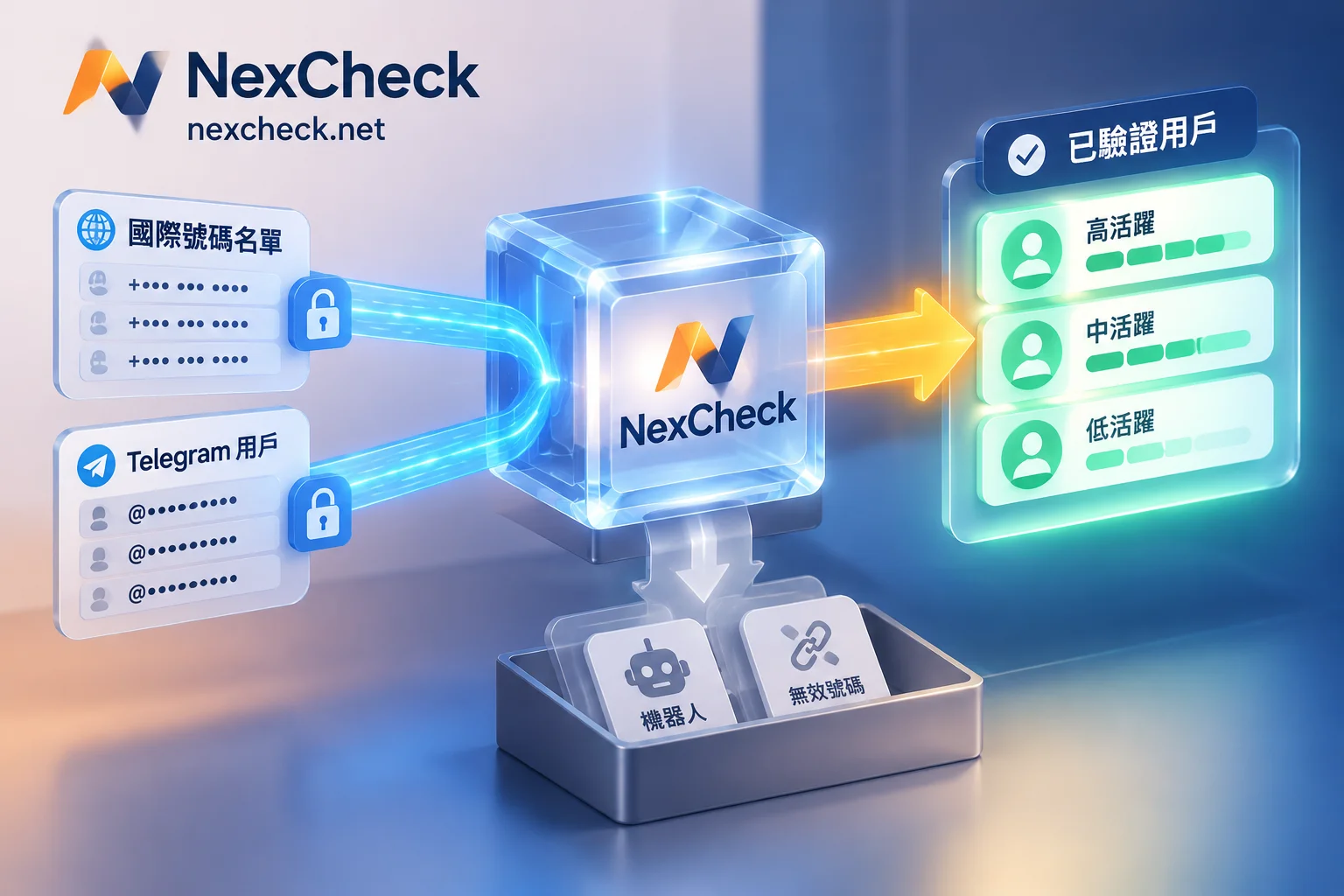
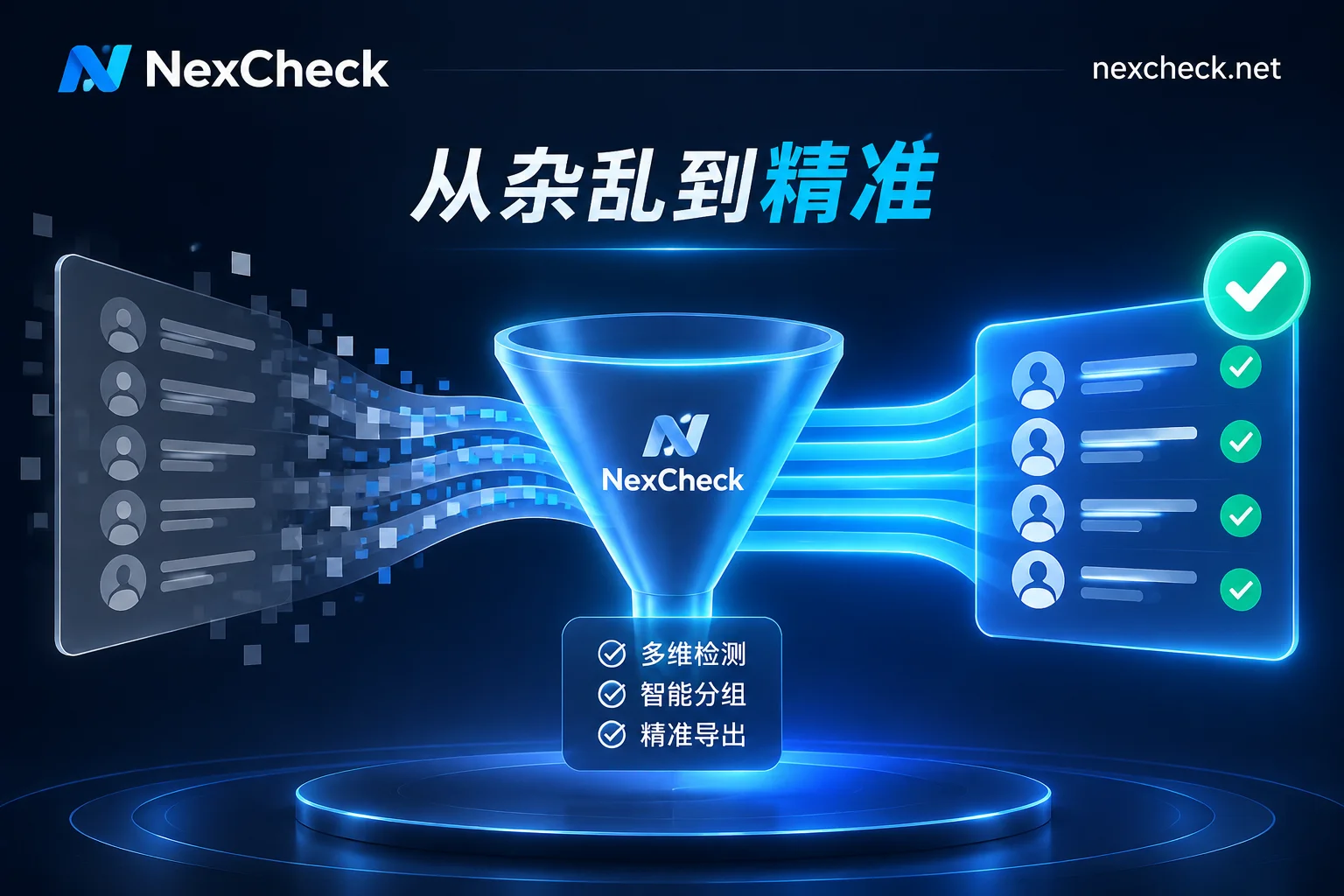
NexCheck-筛号平台
You have a customer list of tens of thousands of entries, containing +86 138-0000-0000, 07700900123, (11) 15 4444 5555—either importing into a system throws errors, or after submission for validation, a large portion returns "invalid." Most of the time the problem isn't the number itself, but that the format hasn't been normalized.
Let's start with the conclusion: WhatsApp recognizes the full international phone number format, i.e., country code + area code + local number, conforming to E.164 notation. When storing, importing, or transmitting via API, do not include spaces, hyphens, parentheses, dots, or similar symbols; leading 0s and domestic long-distance prefixes used for domestic dialing must be removed.
Why Format Errors Become "Invalid" Instead of "Error"
This is the most important point to address first. When a number format is illegal, many systems won't give you a clear error message; instead, they'll still treat it as a number to look up, and the result comes back as "not registered / invalid." If you clean your list based directly on that result, you're essentially deleting a batch of real customers from your database, and it's hard to recover them later.
So the order must be: first fix the format, then judge the number's authenticity, and finally check platform status. The relationship between these three layers was discussed in The Three-Layer Processing Order for International Number Detection; this article only covers the bottom layer.
Execution Order for List Cleaning
Before importing into any tool, it's recommended to run through the following order using a script or spreadsheet functions. Don't mix up the order, especially steps 3 and 5 must not be swapped.
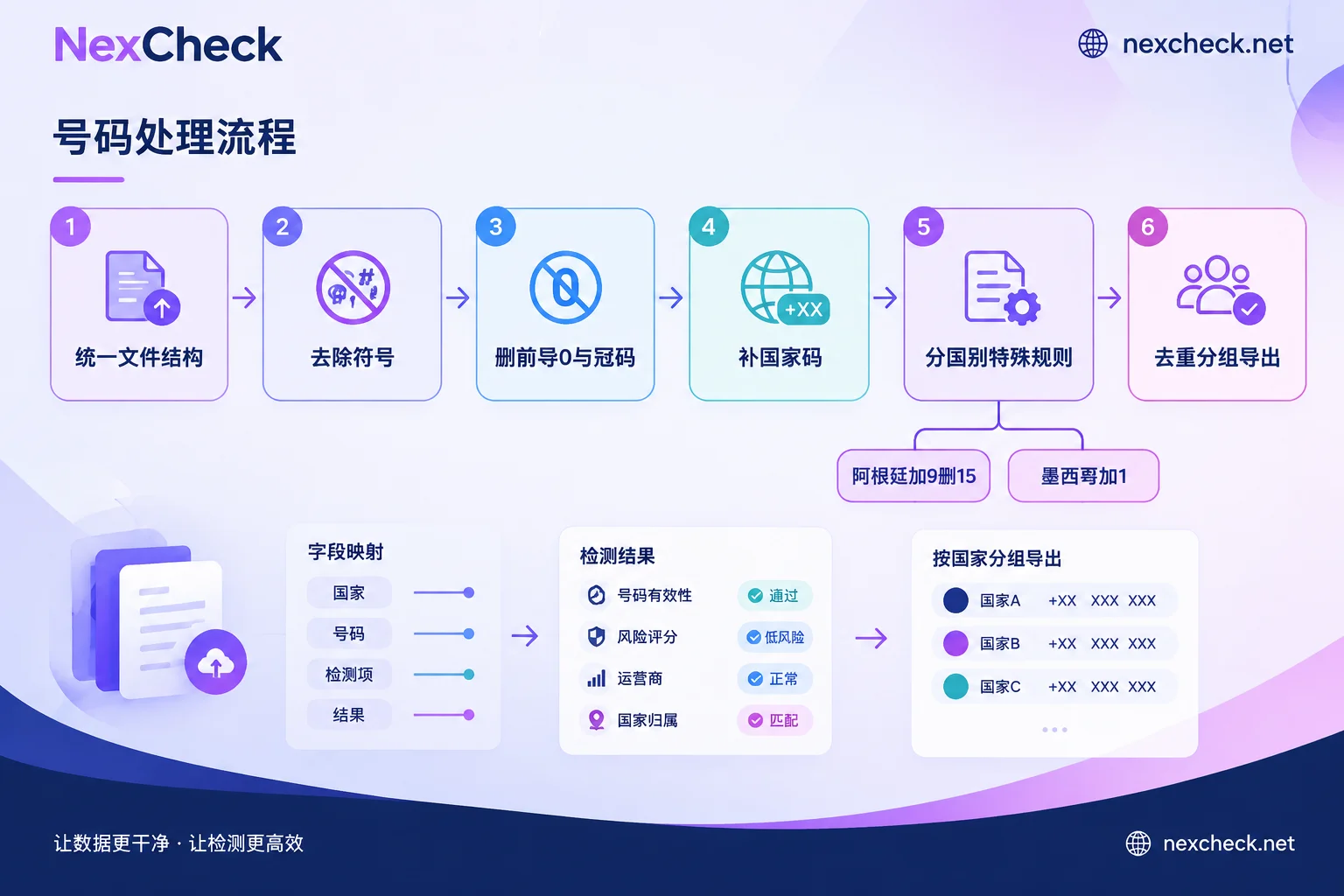
1. Unify the file structure. txt or csv, one number per line, numbers in a separate column. Check for BOM headers, quotes automatically added by Excel, or names/notes mixed into cells. Excel tends to convert long numbers into scientific notation (e.g., 8.61E+12) or drop leading 0s; try to use a text editor or import as text format.
2. Remove all non-numeric characters. Spaces, -, (, ), ., /, full-width symbols—strip them all. Whether to keep the leading + depends on the downstream system: when writing into contacts or displaying as international format, keeping + is clearer; when generating pure numeric strings for wa.me, omit + and all hyphens completely, but the country code and area code must be fully retained. When submitting to a validation service, follow the format requirements specified in their console or documentation. The safest approach is to standardize the entire list to the same notation—don't have half with + and half without.
3. Delete leading 0s and domestic long-distance prefixes. This is the most common pitfall with cross-border lists: UK mobile numbers written domestically as 07700 900123 become +44 7700 900123 in international format; Germany's 01xx similarly drops the leading 0; Russia's domestic dialing prefix is 8, which must be replaced with +7 when converting to international format. The rule is to remove the prefix, not the first digit—if a number doesn't start with 0, don't mistakenly truncate it.
4. Complete the country code. When the list contains only local numbers, add the country code uniformly based on the list's country of origin—don't guess by number length. If a single file mixes customers from multiple countries without a source field, first split them by channel, order address, or language. It's better to split into several files than to apply one country code to the entire list.
5. Apply country-specific corrections. See the next section.
6. Deduplicate and validate length. Deduplication should be done after format unification; otherwise +5215512345678 and 5215512345678 will be treated as two entries, wasting a validation fee. Also do a rough screen by each country's number length range—pick out obviously too-long or too-short ones for manual review; don't just discard them.
Argentina and Mexico: WhatsApp Has Its Own Notation
These two countries' rules differ from your usual dialing habits and are also the segments with the highest failure rate in lists.
Argentina (+54): WhatsApp requires inserting the digit 9 between the country code 54 and the area code, while removing the prefix 15 commonly found on local mobile numbers. For example, the local format 011 15 1234 5678, after removing the long-distance 0 and mobile prefix 15 and adding 9, becomes +54 9 11 1234 5678, with a total length of 13 digits. Any entry in the list starting with +54 but without 9, or still containing 15 in the middle, can basically be judged as not cleaned properly.
Mexico (+52): Within the WhatsApp system, the digit 1 must be added after +52, i.e., +52 1 XXXXXXXXXX. Although Mexico's local dialing rules have been simplified, WhatsApp still relies on this digit to identify mobile lines. If your list was exported directly from a local CRM, it's likely missing this digit entirely, requiring a full column addition.
Brazil (+55) historically had a number adjustment from 8 to 9 digits; old lists may contain both lengths. It's recommended to pick them out separately for verification rather than applying a one-size-fits-all addition.
Some Numbers Cannot Register Even with Correct Format
Cleaning can only solve notation issues, not limitations inherent to the number type. According to WhatsApp's documentation: VoIP virtual numbers, toll-free numbers, premium-rate numbers, and unified access numbers (UAN) do not support personal WhatsApp registration; landlines can only be registered via WhatsApp Business App's voice verification—regular personal accounts don't support pure landlines.
This means if your list contains many 400/800-type numbers or corporate switchboards, their return of "not registered" is a normal result, not a cleaning error. Mark them separately during the cleaning stage and set them aside; later when reviewing results, you'll know what to expect. Whether a number is virtual or belongs to a high-risk range is a question that basic number detection can answer, and can be run separately from platform status.
Run by Country—It's Easier Than Dumping Everything at Once
Format rules, queryable fields, and number lengths all vary by country. Splitting the list into batches by country code before submission has three benefits: if a country's rules were wrong, you only need to rerun that batch; result statistics can be viewed by market; and different markets use different mainstream social platforms anyway. You can compare number notations and local mainstream platforms on the Regional Solutions page to first confirm whether this market is worth filtering via WhatsApp.
After Cleaning, Submit the List for Detection
Once formats are unified, deduplication is complete, and the list is grouped by country, it's ready for submission. At this point, run it through NexCheck's WhatsApp detection: upload txt or csv in the console, or submit via REST API. After the task completes, export grouped by valid and invalid, or use Webhooks to push results back to your own system. The specific fields returned (whether registered, registration date, activity level, etc.) and pricing vary by platform and may change—refer to the list on the platform page.
After the results come back, don't just keep "valid/invalid" columns. Store each field in its own column so that next time you update the list, you'll know which were never registered and which just became invalid. For field meanings and write-back methods, see The Complete Order of WhatsApp Number Filtering; for the overall process for cross-border lists, see The Four-Step Order for Overseas Mobile Number Detection.
Quick Self-Check List
Go through this before submission to avoid most unnecessary failures:
- Is the presence or absence of
+consistent across the entire list—no half-and-half? - Are there any remaining spaces, hyphens, or parentheses?
- Have leading 0s or prefixes for the UK, Germany, Russia, etc. been removed?
- Do all numbers starting with
+54have 9 added and 15 removed? - Do all numbers starting with
+52have 1 added? - Was deduplication done after format unification?
- Are landlines, 400/800, and virtual number ranges marked separately?
- Has the list been split into independent batches by country?
Final reminder: This type of cleaning and detection processes your own customer data. The source and purpose must be lawful and compliant, and the list is processed only within the scope of tasks you initiate.